Write
Start with one honest line.
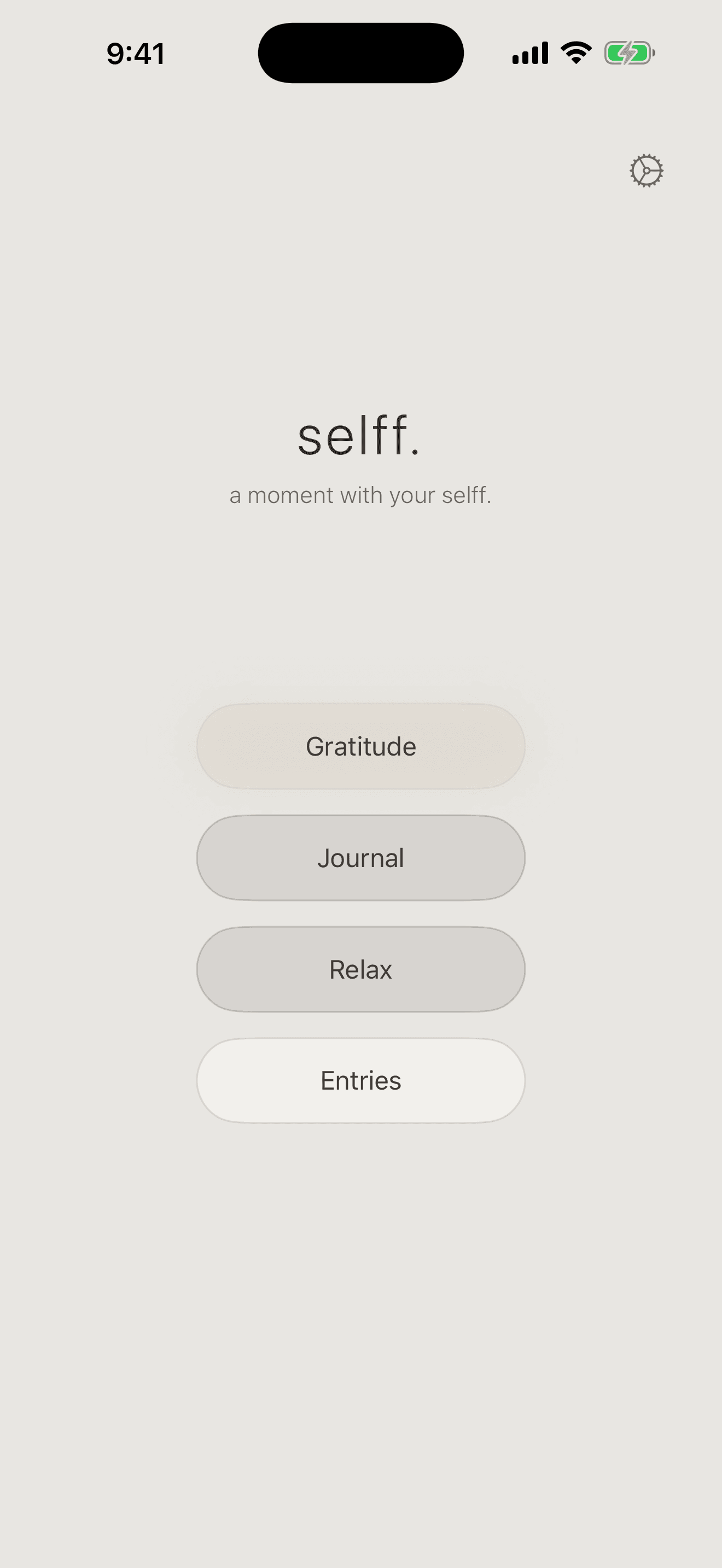
selff. for iPhone and iPad
Write it. Say it. Draw it. Keep a quiet record of what matters, without an account, a feed, or an audience.
Free for iPhone and iPad.
No account
No ads
No tracking
quiet by design
There are no streaks to keep, scores to chase, or audience to impress. Open selff. when something is worth holding onto. Close it when you are ready to return to your day.
Why we built it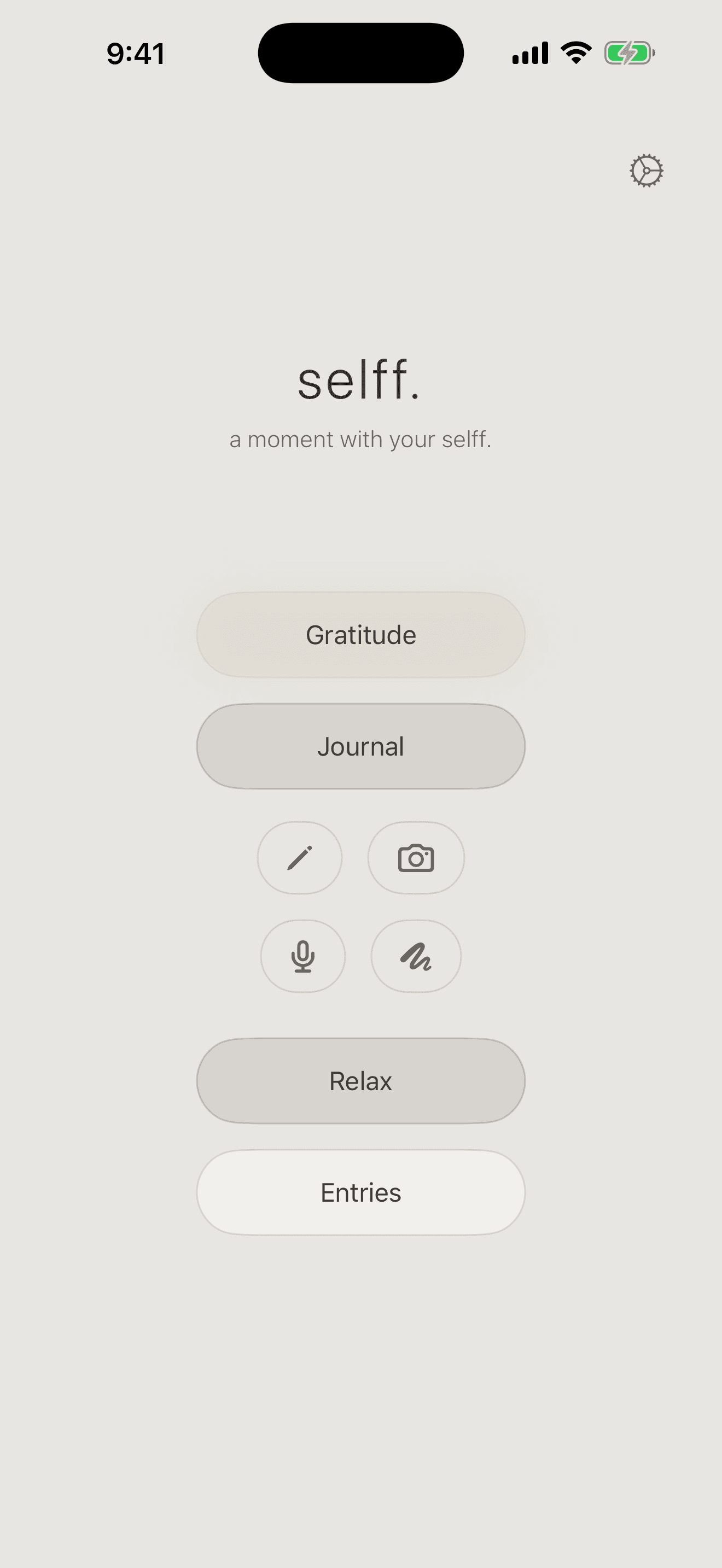
journal
Begin in the form that feels easiest. Every entry returns to the same private archive on your device.
Start with one honest line.
Record a voice note for yourself.
Make a mark when words are not enough.
Keep a photo or scan beside the day.
entries
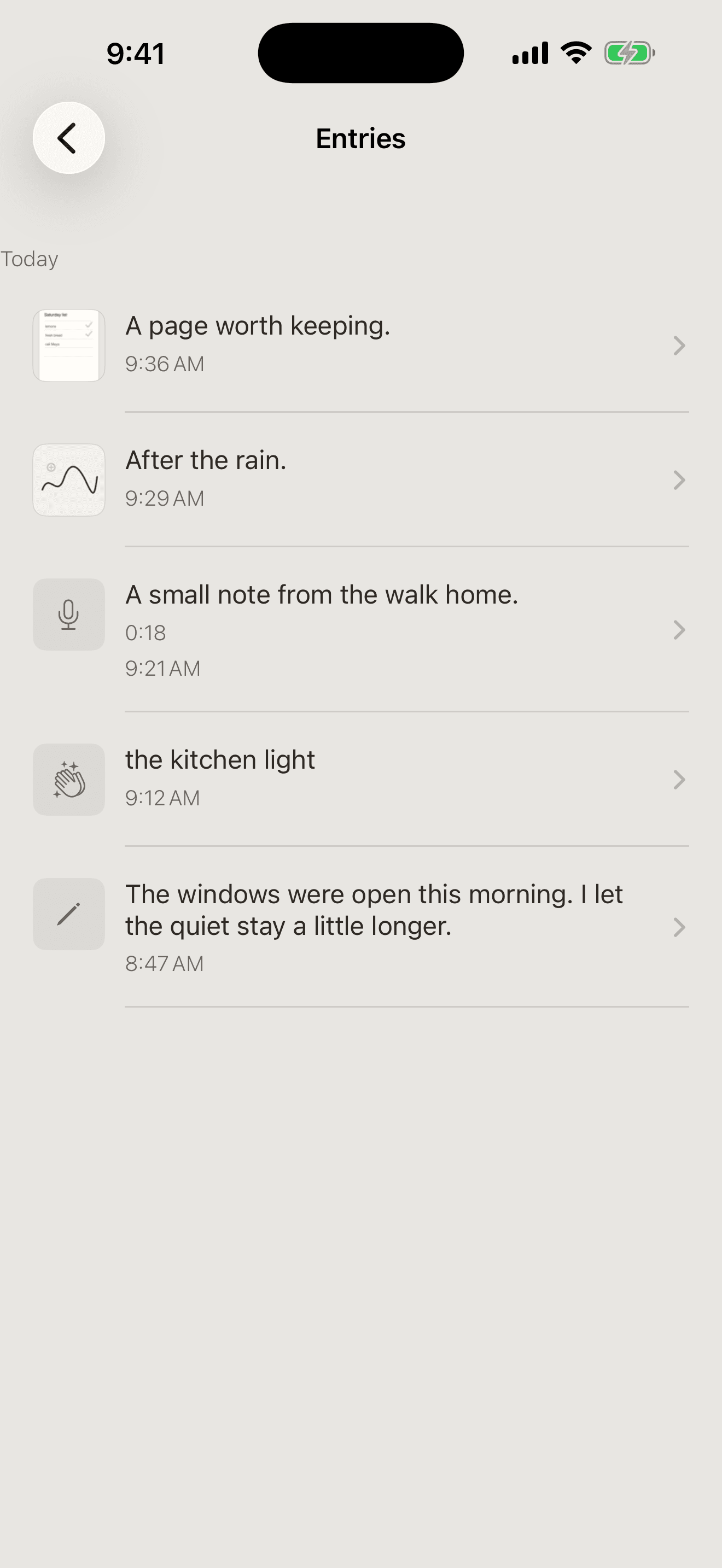
Writing, voice, images, gratitude, and completed pauses return to one simple archive, organized by day and ready when you want it.
gratitude
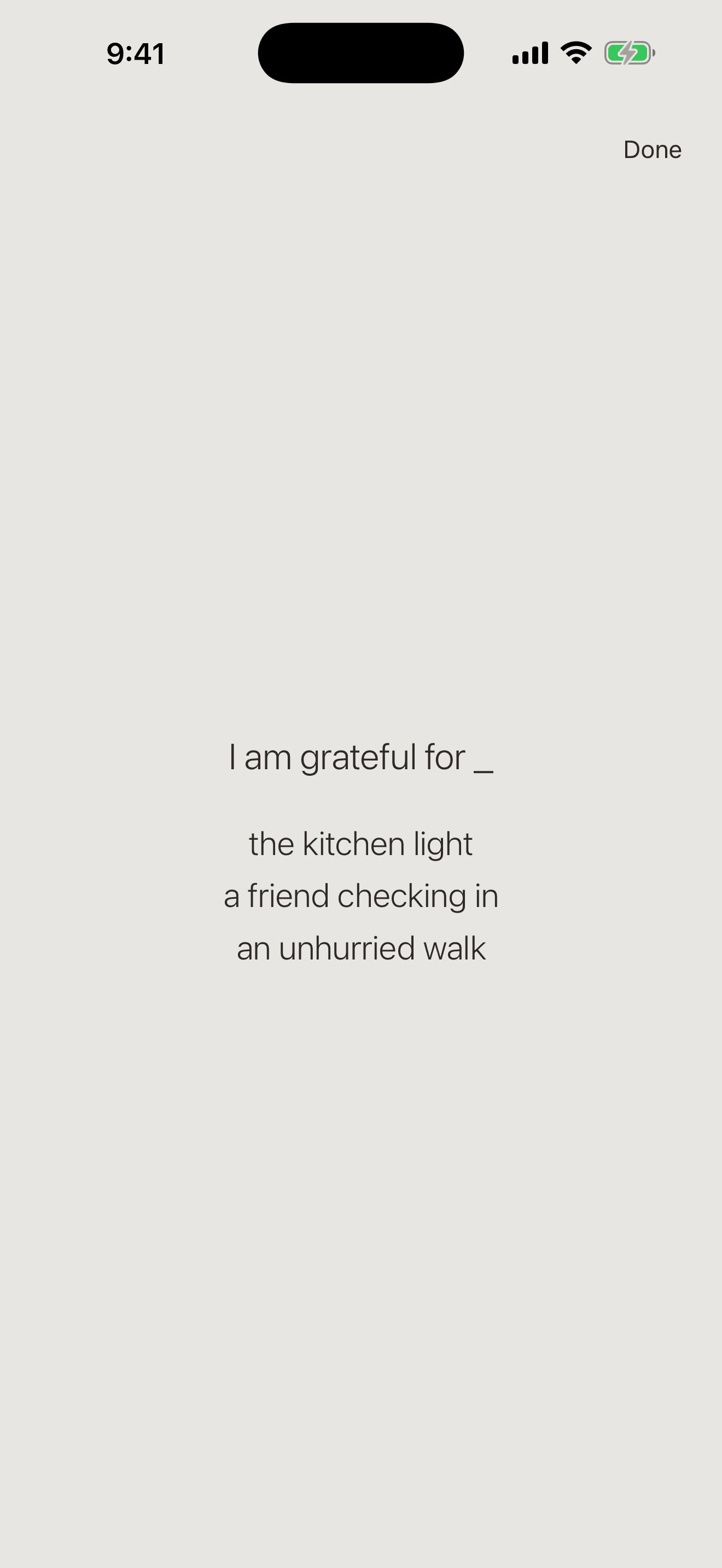
Keep it in your own words, without a score or streak. A little light, a person who showed up, an unhurried walk. Whatever was yours today.
relax
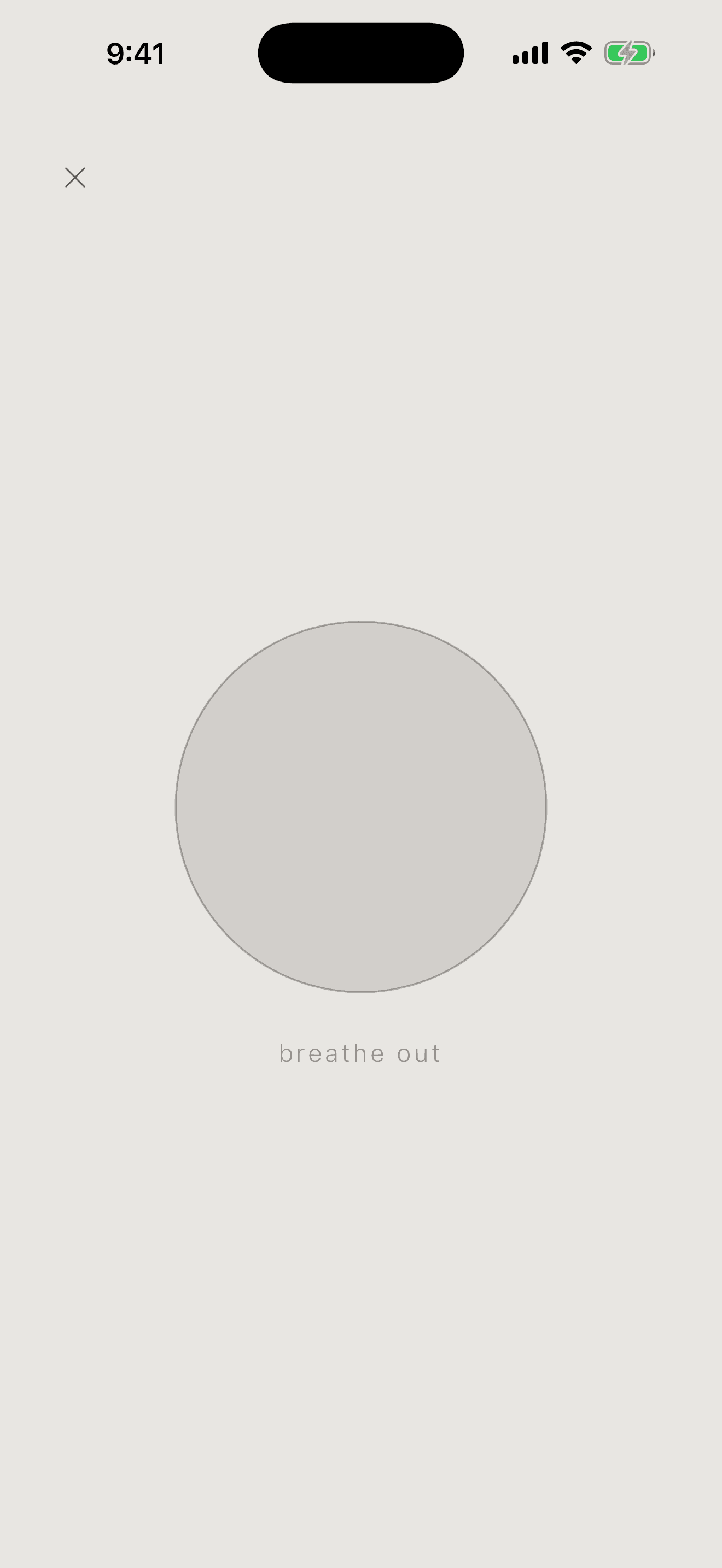
Breathe, meditate, rest, or put the phone down for a while. Each practice is made to end, not to keep you looking at the screen.
private by design
selff. has no account, ads, analytics, tracking, or selff. cloud sync. Voice transcription runs on-device when your device and language support it.
good to know
No. Download selff. and begin without sharing an email or creating a profile.
In the app’s local storage on your device. Apple device backups may include that data, depending on your backup settings.
Your recording still saves. selff. never sends it away for a fallback transcript.
when you’re ready
Free for iPhone and iPad. No account or inbox to join.
Download on theApp Store